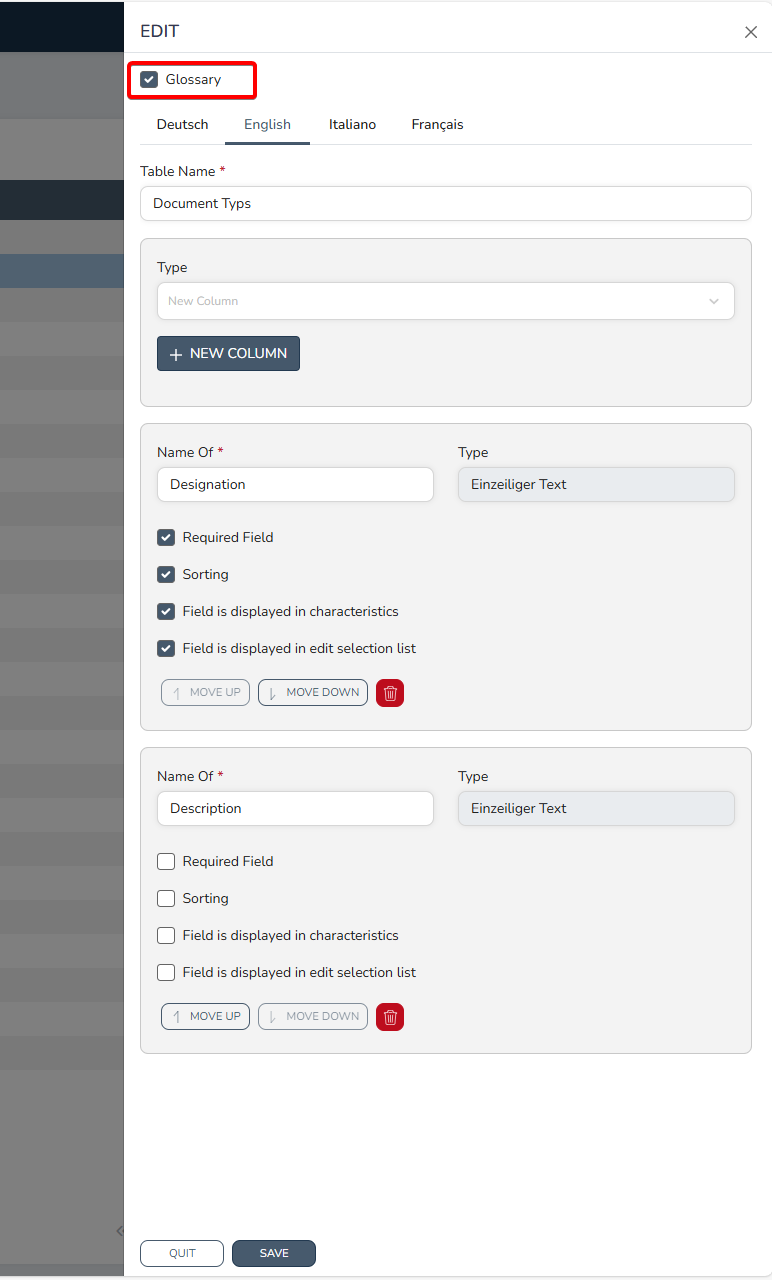
The content of the glossary is output via the master data tables, among other things, and cannot be maintained directly in the glossary.
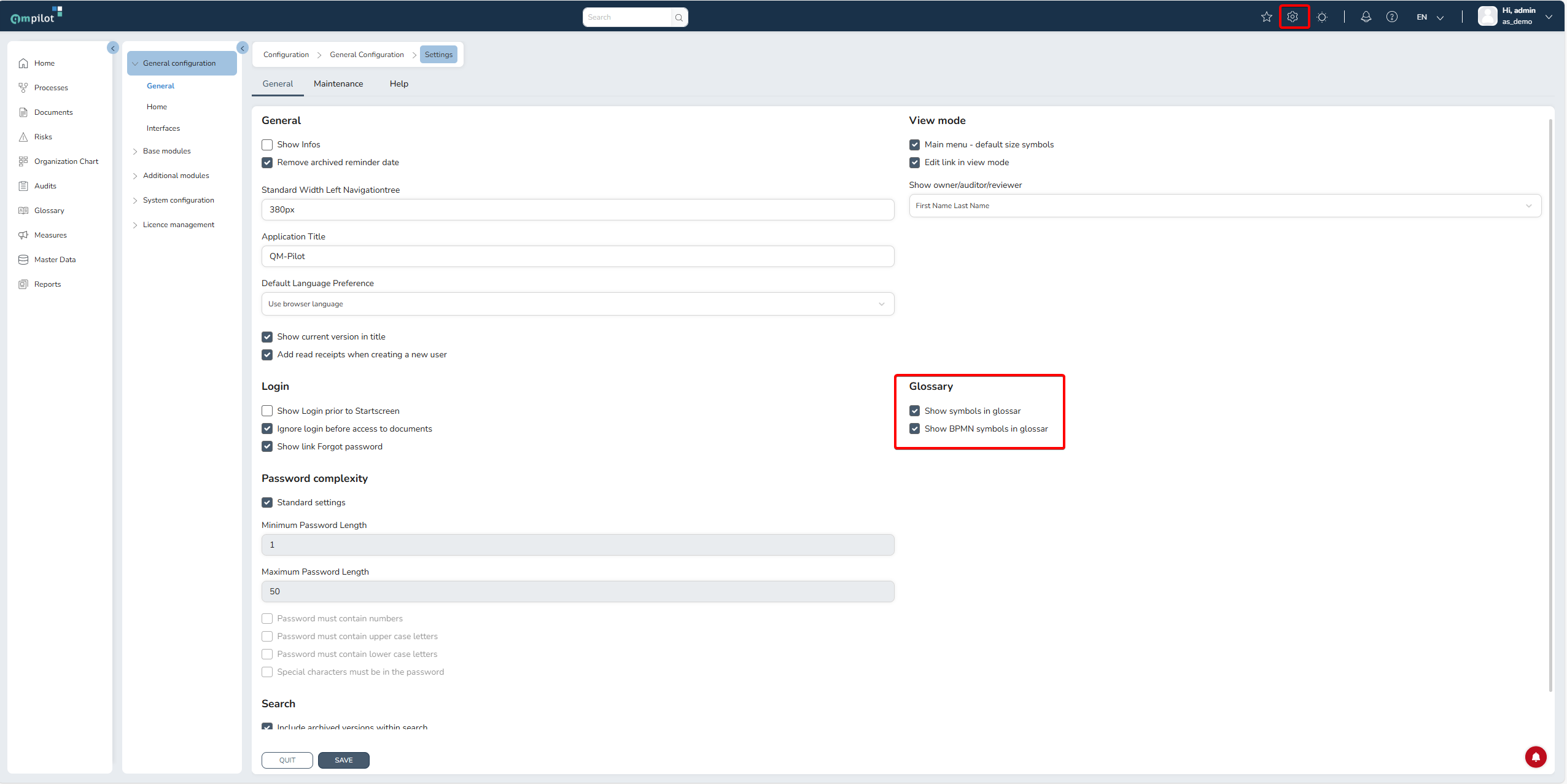
The symbol overview for ISO or BPM notation cannot be edited, but can only be displayed or deactivated in the glossary. To do this, in the configuration area (gear) -> General Configuration
-> Settings -> at the bottom:
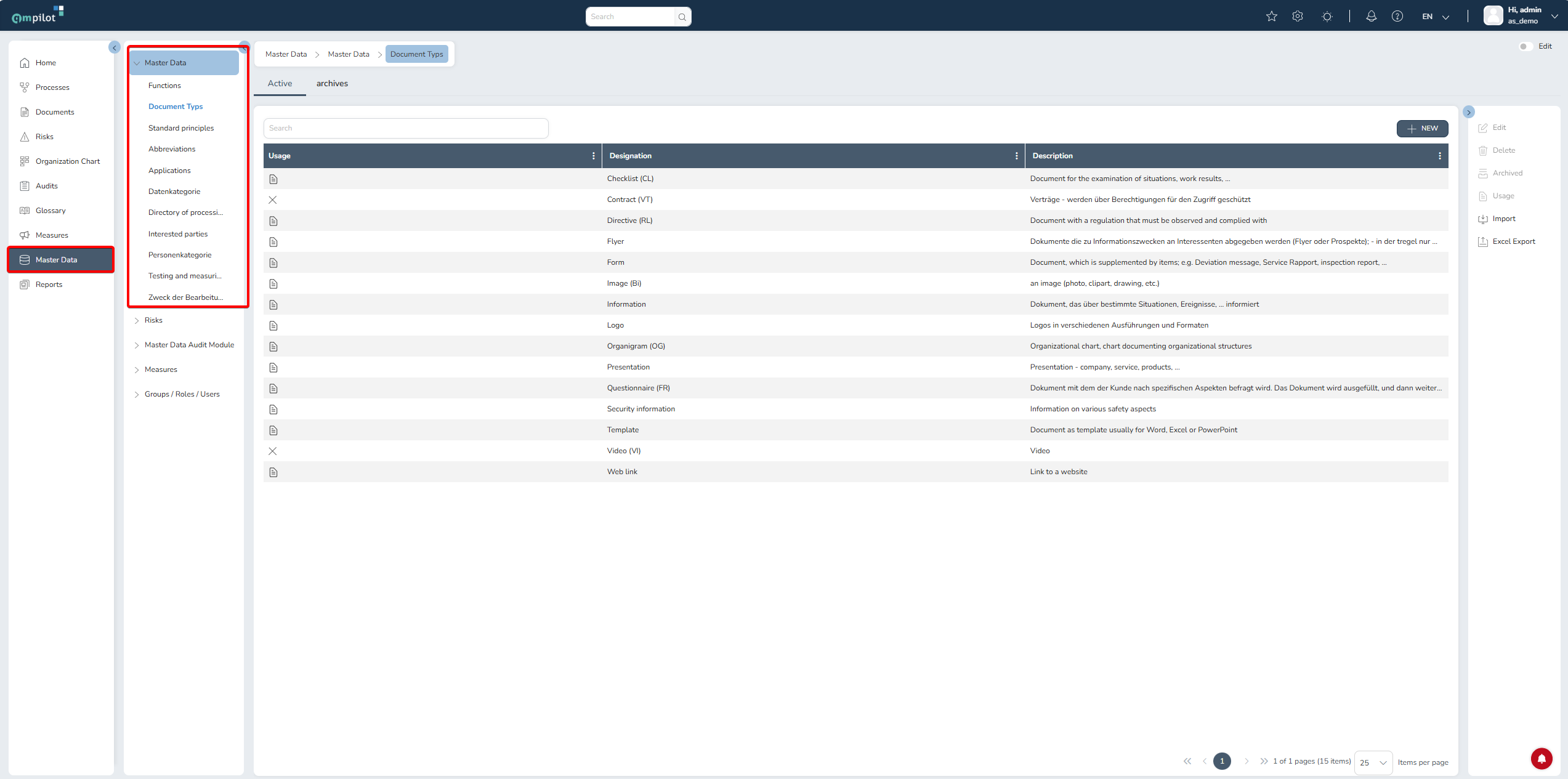
If the content is to be changed, for example in functions, abbreviations, etc., this must be done via the master data tables:
If master data tables are to be either removed from the glossary or added, this must be done in the configuration area > system configuration -> tables, fields, characteristic data -> for the individual master data tables via a checkmark:
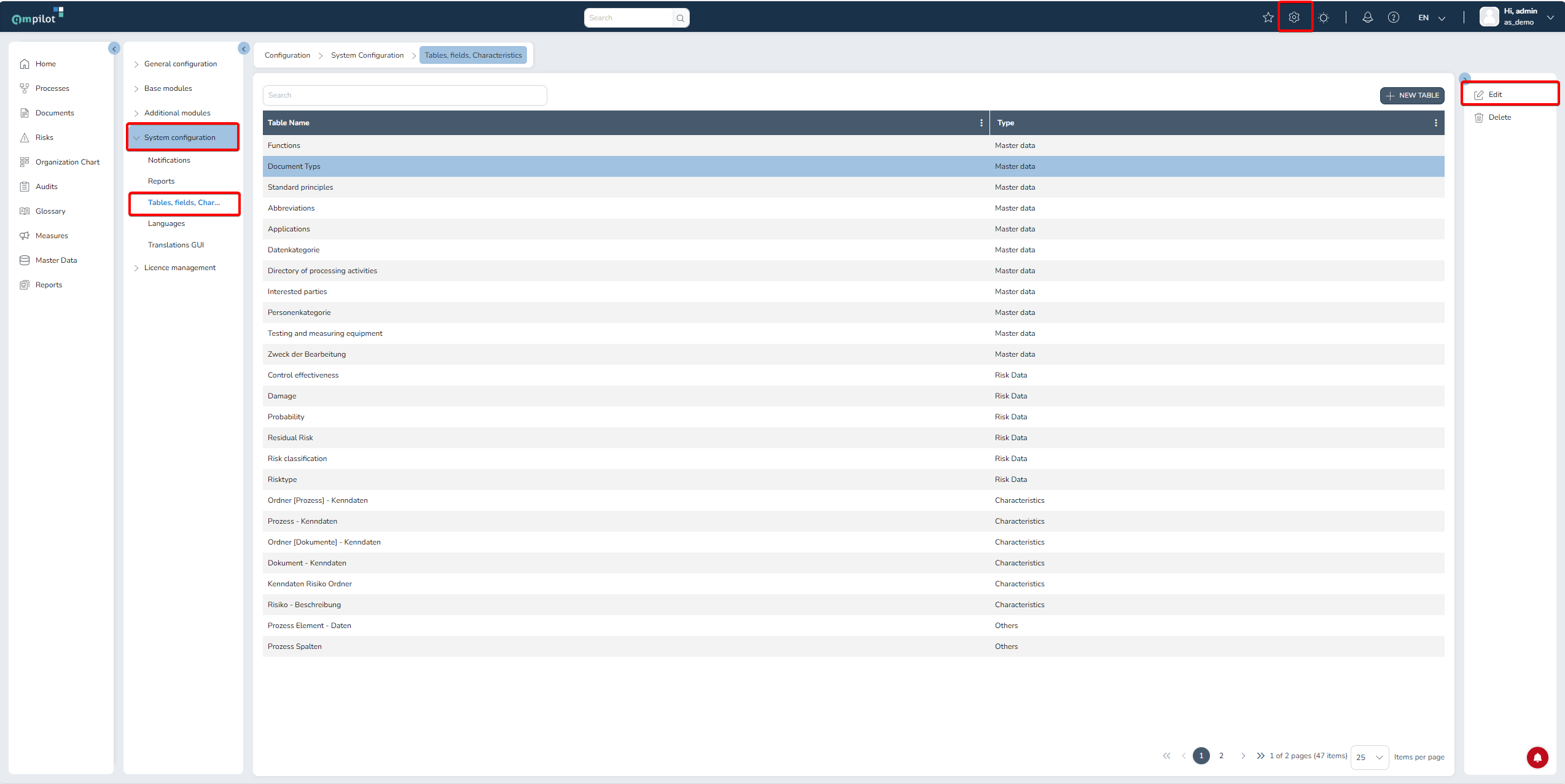
Select the desired table and edit, then select/deselect glossary: